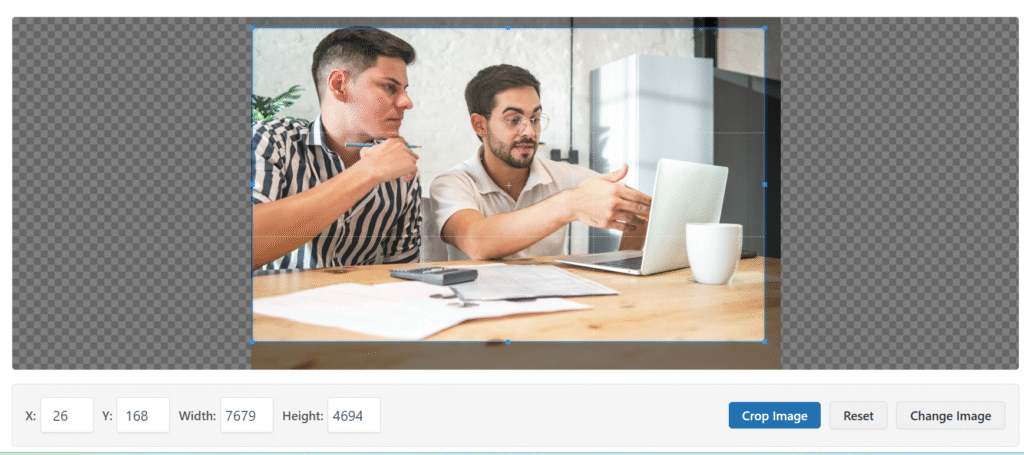
Crop any image instantly with our Advance Image Crop Tool. Just upload, adjust the frame, and download the cropped picture — no software, no hassle. Perfect for designers, marketers, and everyday users.
What Is the Advance Image Crop Tool?
This is a powerful online tool that lets you crop image files or crop pictures quickly—even from the browser. Whether you need to trim a photo for social media, presentations, or web use, our tool makes it fast and intuitive.
How to Use This Image Trimmer
Click Upload Image and select your photo (JPEG, PNG, or WebP).
Drag to set the crop area or pick from preset value (x: 26, y: 168).
Preview the cropped image live.
Hit Download Cropped Image—get the trimmed picture instantly.
Why Use Our Image Crop Tool?
Free & Unlimited: Crop as many images as you need, zero cost.
Translational Keywords Covered: Works seamlessly for “crop image,” “crop picture,” and “image trimmer” use cases.
No Installation & No Signup Required: Instant editing, total privacy.
Responsive & Secure: Works on all devices with fully secure processing.
Benefits You’ll Love
Create perfect thumbnails or product shots.
Resize and crop for social shares—Instagram, Facebook, LinkedIn.
Easily trim screenshots, infographics, or design drafts.
Enhance branding consistency with precise image dimensions.
Is the tool free to use?
Yes, the Advance Image Crop Tool is 100% free and unlimited.
What file types are supported?
You can upload JPEG, PNG, or WebP formats.
Do I need to sign up or install anything?
No. The cropping happens instantly in your browser with no user tracking.
Can I crop to specific ratios like square or widescreen?
Absolutely. Use preset ratios or manually adjust for exact control.
Is it safe to use?
Yes. Your image stays completely private and secure; nothing is stored on our servers.